For planners, not trackers.

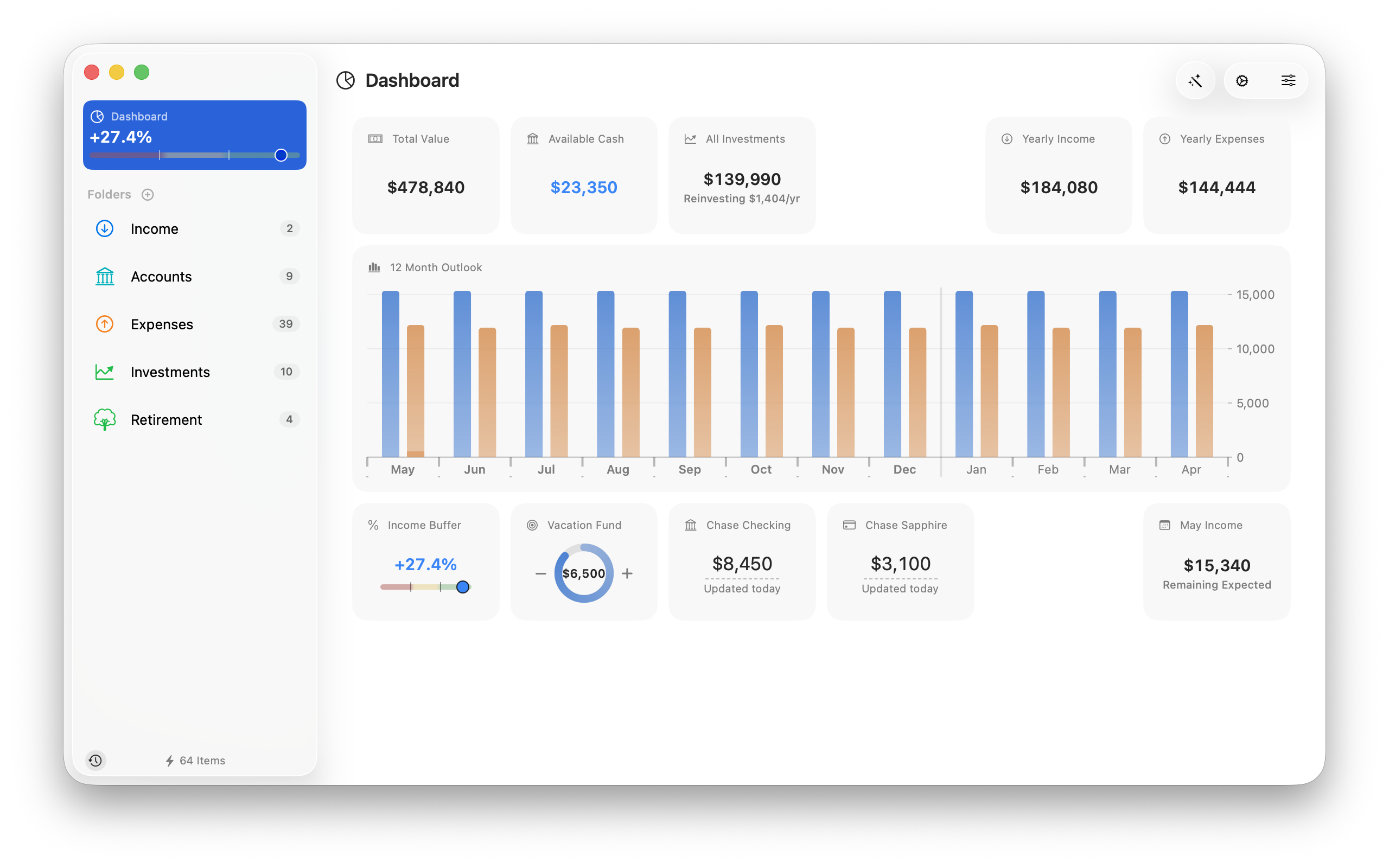
A Mac app that ties together your whole financial picture — income in, expenses out, investments and debts, all part of one cashflow — so you can actually know where you stand.

$24.99 · Mac App Store · macOS 26+
If you've tried this before

Most people get here one of two ways.

The spreadsheet path
Goes stale
  • Accounts listed down the side
  • Formulas that break when you add things
  • Tax math by hand
  • One static view
  • Tabs from years ago
  • Falls out of date
The finance tracker path
Too much upkeep
  • Connect every bank and card
  • Categorize every purchase
  • Reconcile transactions
  • Daily maintenance
  • Reviews of last month
  • More work than the answer is worth

Here's where Moneyspan is different.

Some people build a spreadsheet. Accounts listed down the side, monthly expenses summed up, a total at the bottom, maybe a chart. Most of those spreadsheets fall out of date — not because you stopped caring, but because keeping one current is surprisingly hard work.

Others try a finance tracker — connected to banks, categorizing every transaction, daily maintenance. You spend a lot of time looking back at last month, and not much looking forward. For people who just want the big picture, tracking every transaction is more work than you need.

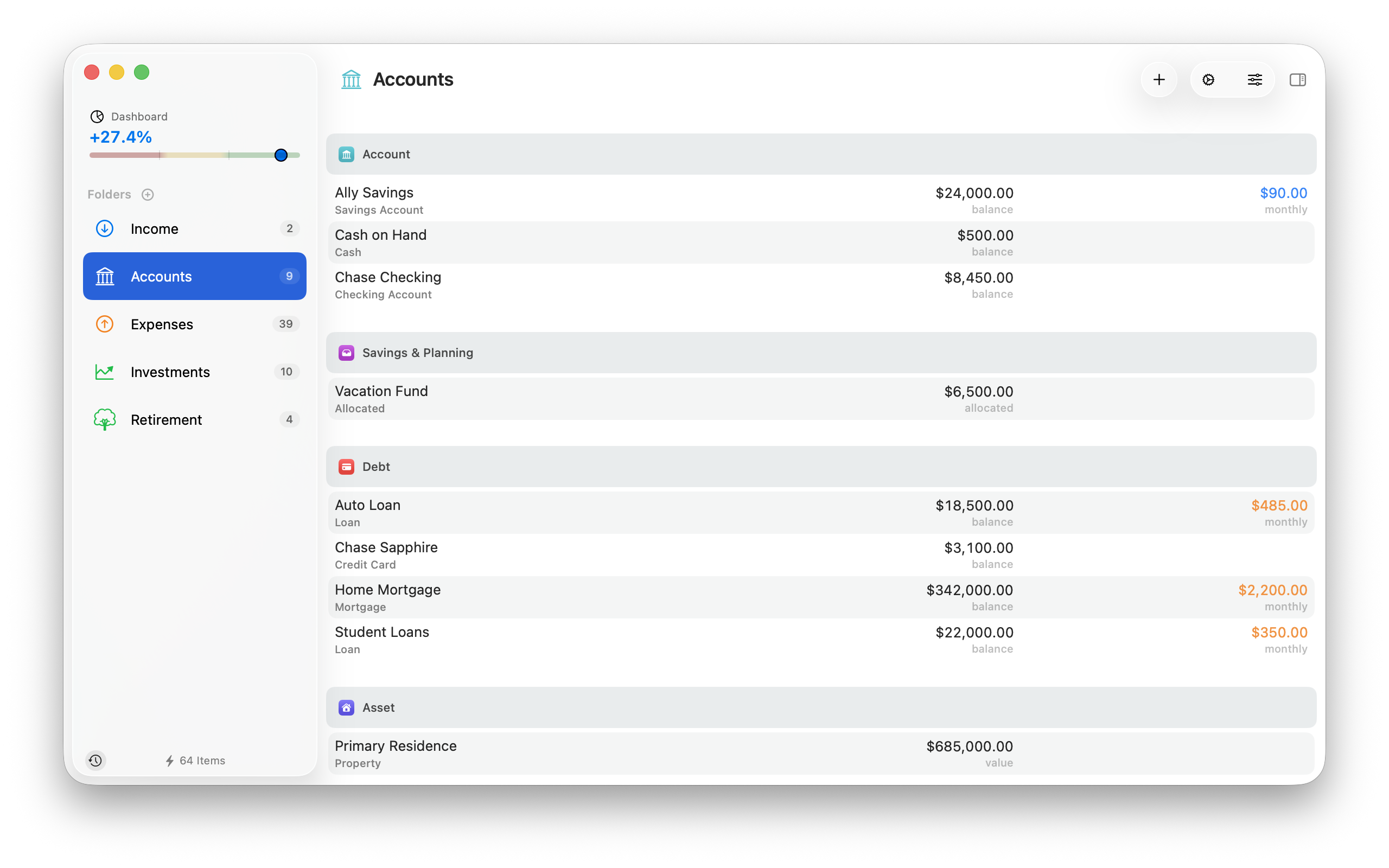
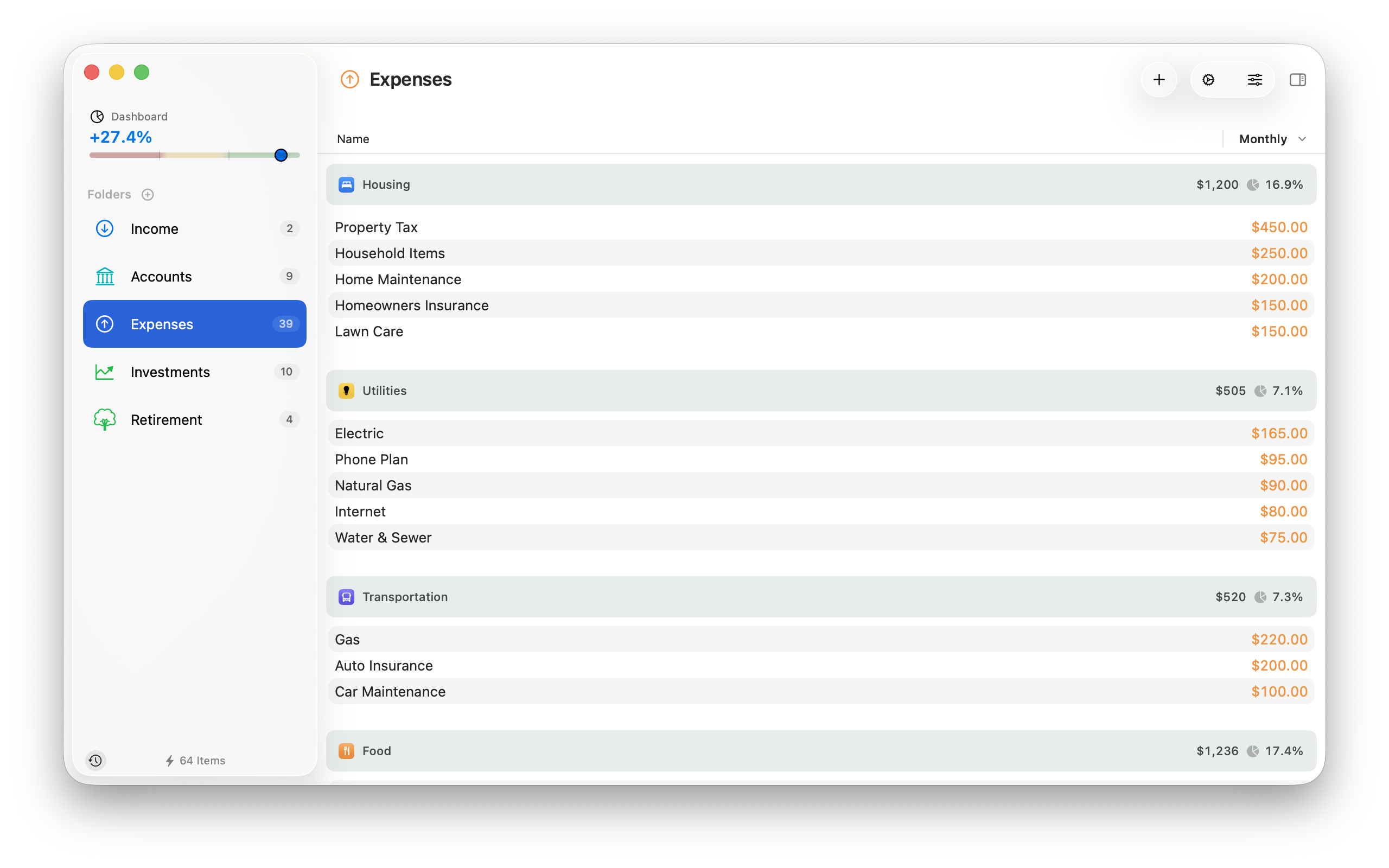
Moneyspan is for the version of this job that neither approach gets right. Describe your income, expenses, accounts, investments, and debts — once. About once a week, type in your latest account balances. Everything else — scheduled income, recurring expenses, investment prices — updates on its own. No spreadsheet formulas. No transaction categorization. No daily ritual.

Not sure where to start? A sample document ships with the app — open it to see what a real file looks like before building your own.
Financial breathing room

Everything else adds up to this.

Income arrives, expenses leave, investments and debts move with everything, taxes take their share. What's left tells you how much room you have to save, invest, or spend intentionally.

Set a minimum and a target. Green above, red below. Toggle between gross and after-tax. The number updates the moment anything in the picture changes.

Every new subscription, every upgraded plan, every "it's only $30/month" — they add up quietly. The buffer shows you when they have.

What-If Scenarios

Test a decision before you make it.

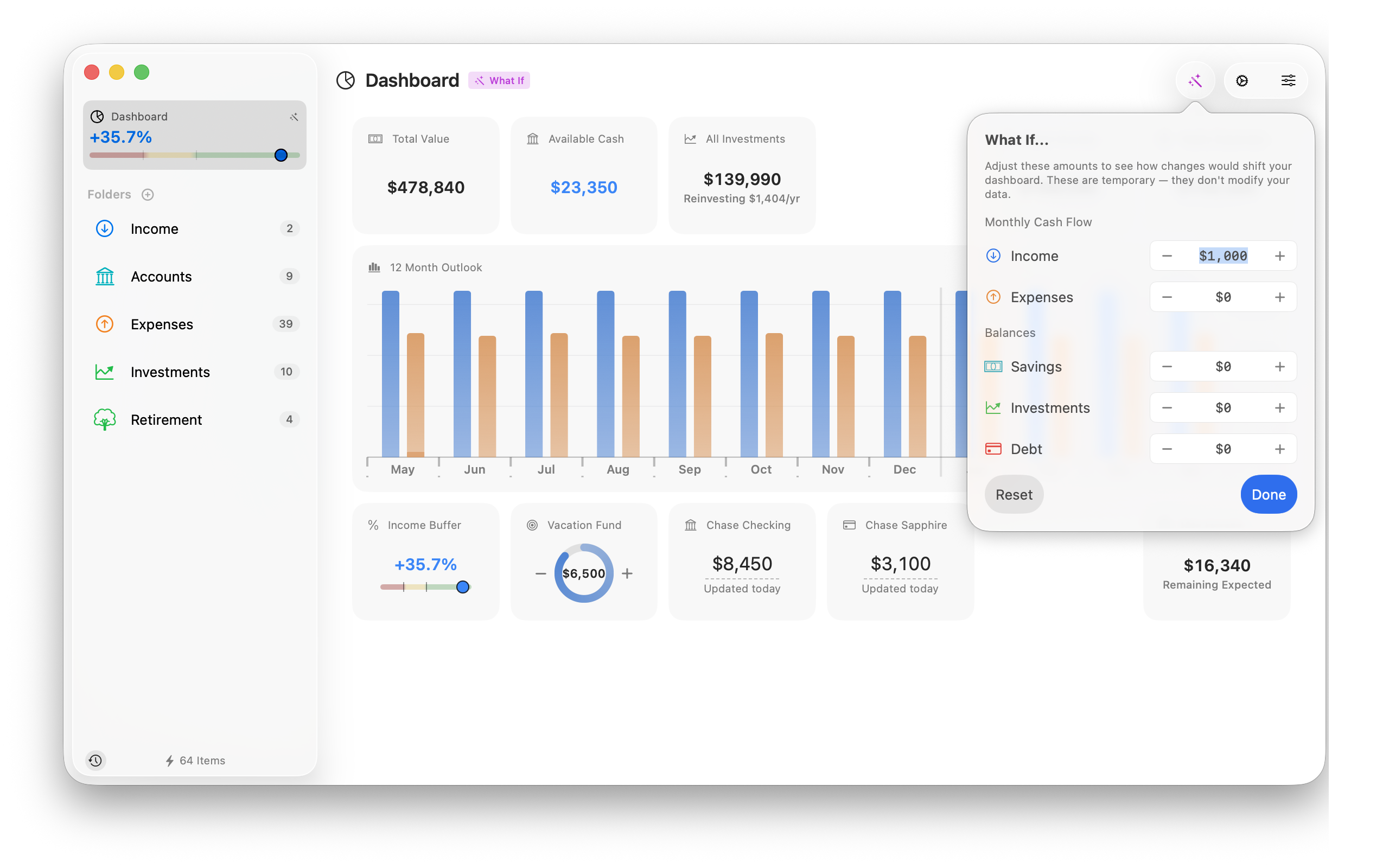
What if you cut that $200/month subscription bundle? What if you took a lower-paying job with no commute? What if you bought a rental property? What if your dividends paid $1,000 a month? Create a scenario, overlay the changes on your real data, and instantly see the impact — without touching your actual numbers.

Your income buffer drops from 22% to 14%. Your rolling 12-month projection dips below your comfort zone in August. Now you know — before you've committed to anything. Adjust the numbers, try a different approach, or just delete the scenario entirely.

What-if scenario overlay with 12-month projection chart
Savings & Planning

What's spoken for. What's coming.

Earmark money for upcoming expenses with allocated buckets — a new laptop, next year's property taxes — and they're held aside in Moneyspan's view, so your buffer reflects reality.

Expected buckets do the opposite: windfalls you know are coming, like a tax refund or bonus, included in projections without being mistaken for money you already have.

Every dashboard is different

Build the view that fits you.

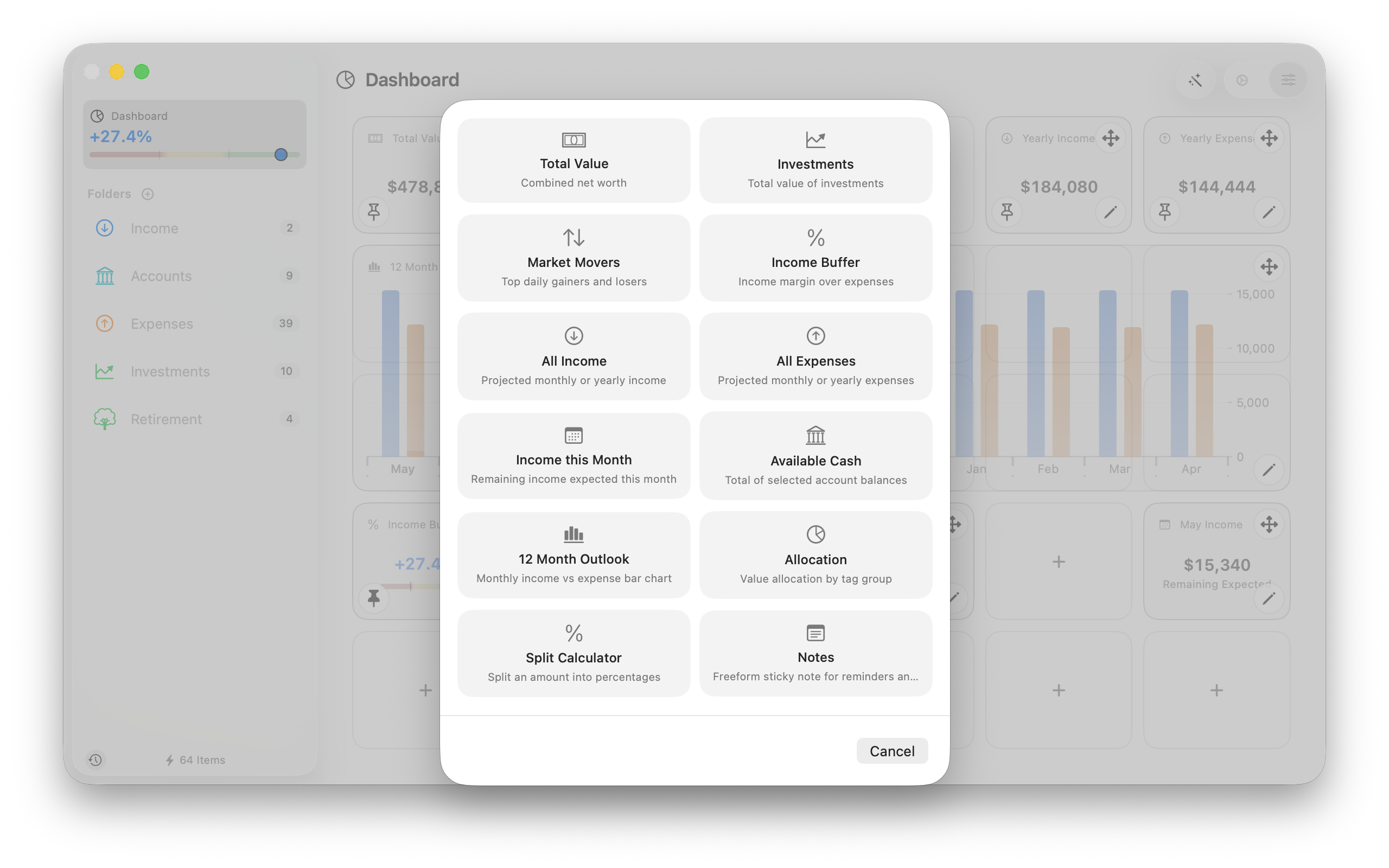
Pick the widgets that fit your setup — summary numbers, charts, progress rings, quick-entry tools, even a sticky note.

Customize them, build more than one dashboard for different purposes, and pin what you check most to the sidebar.

Widget picker open over a dashboard — compose the view you want
Investments and their income

Money in, income out.

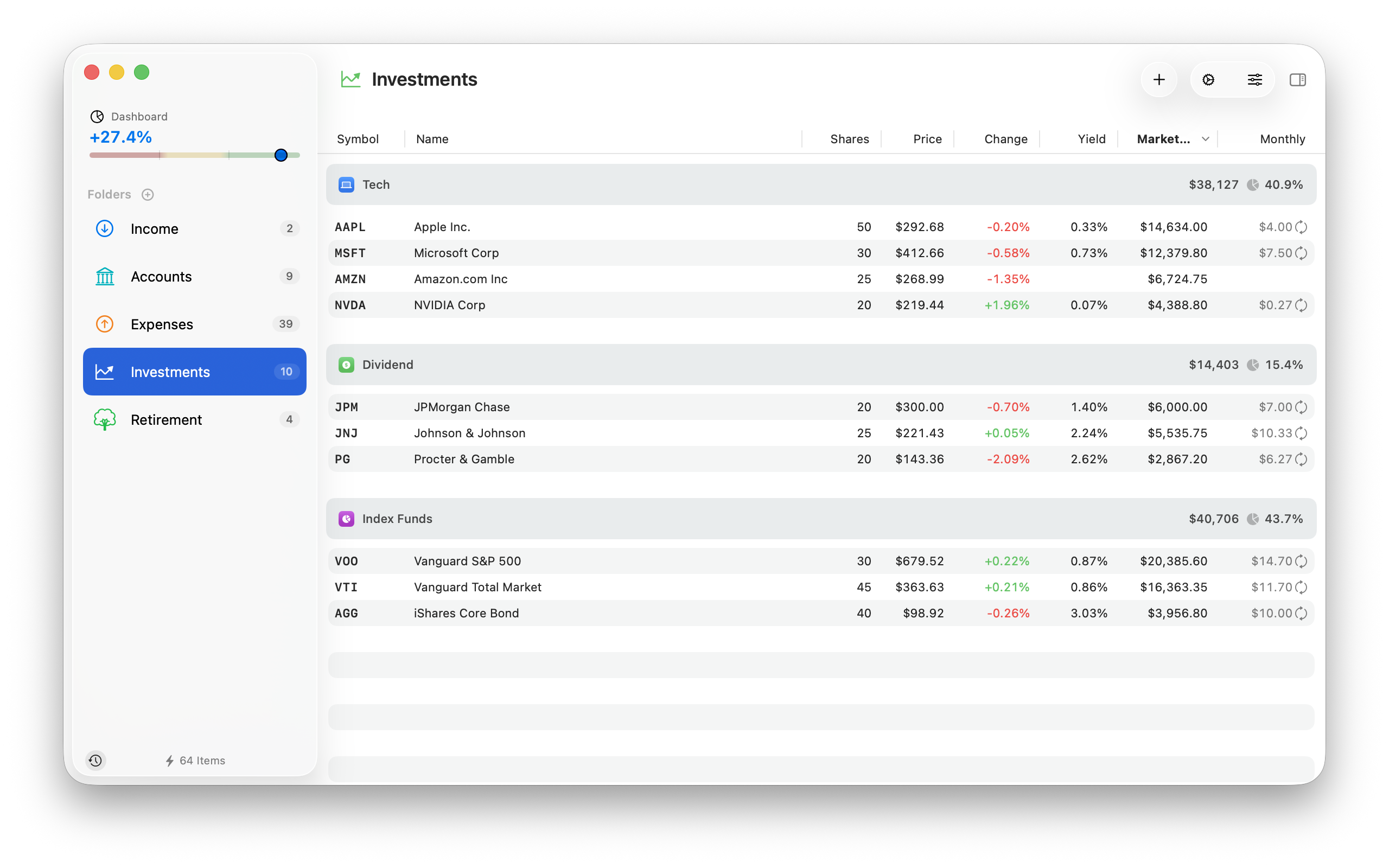
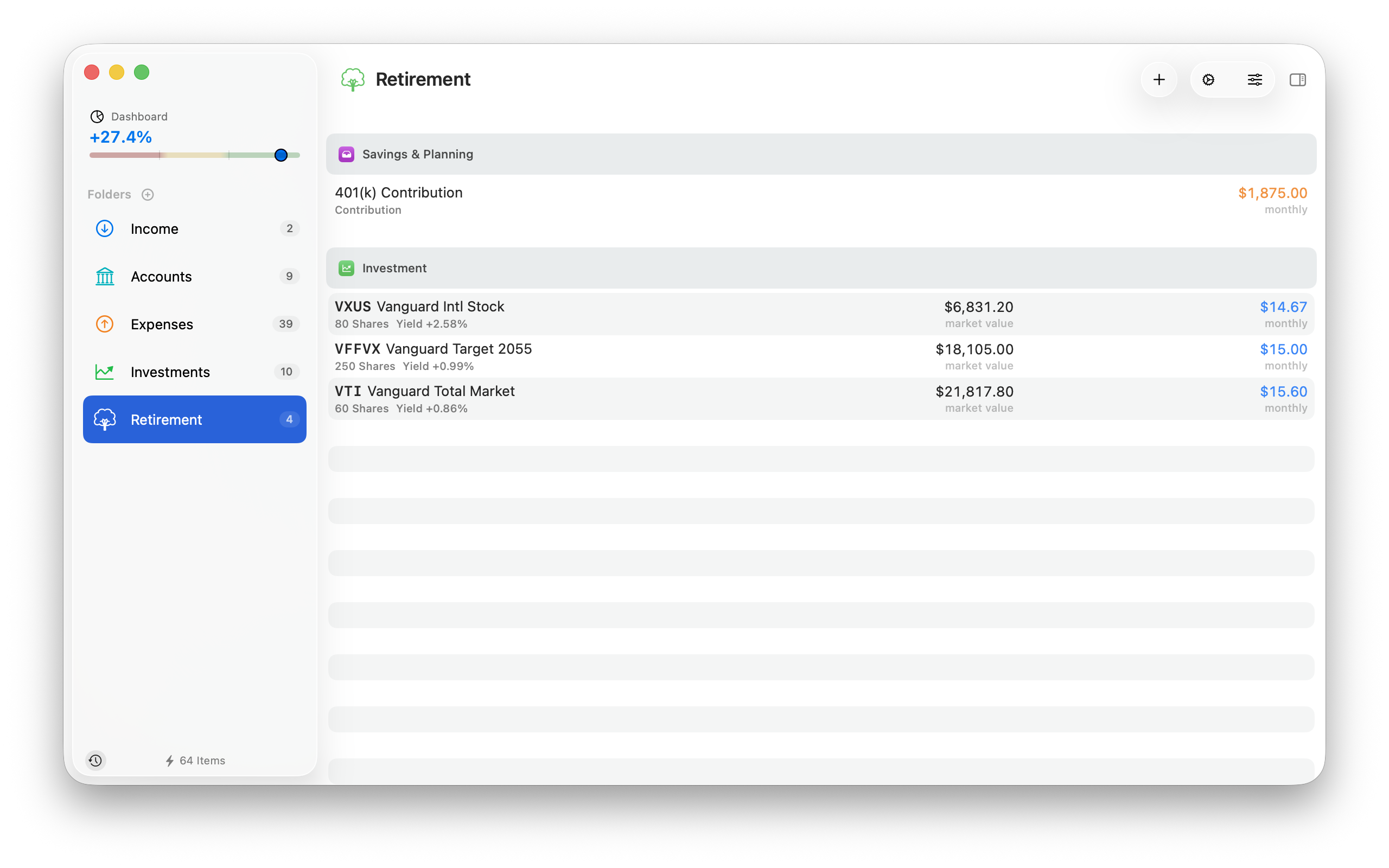
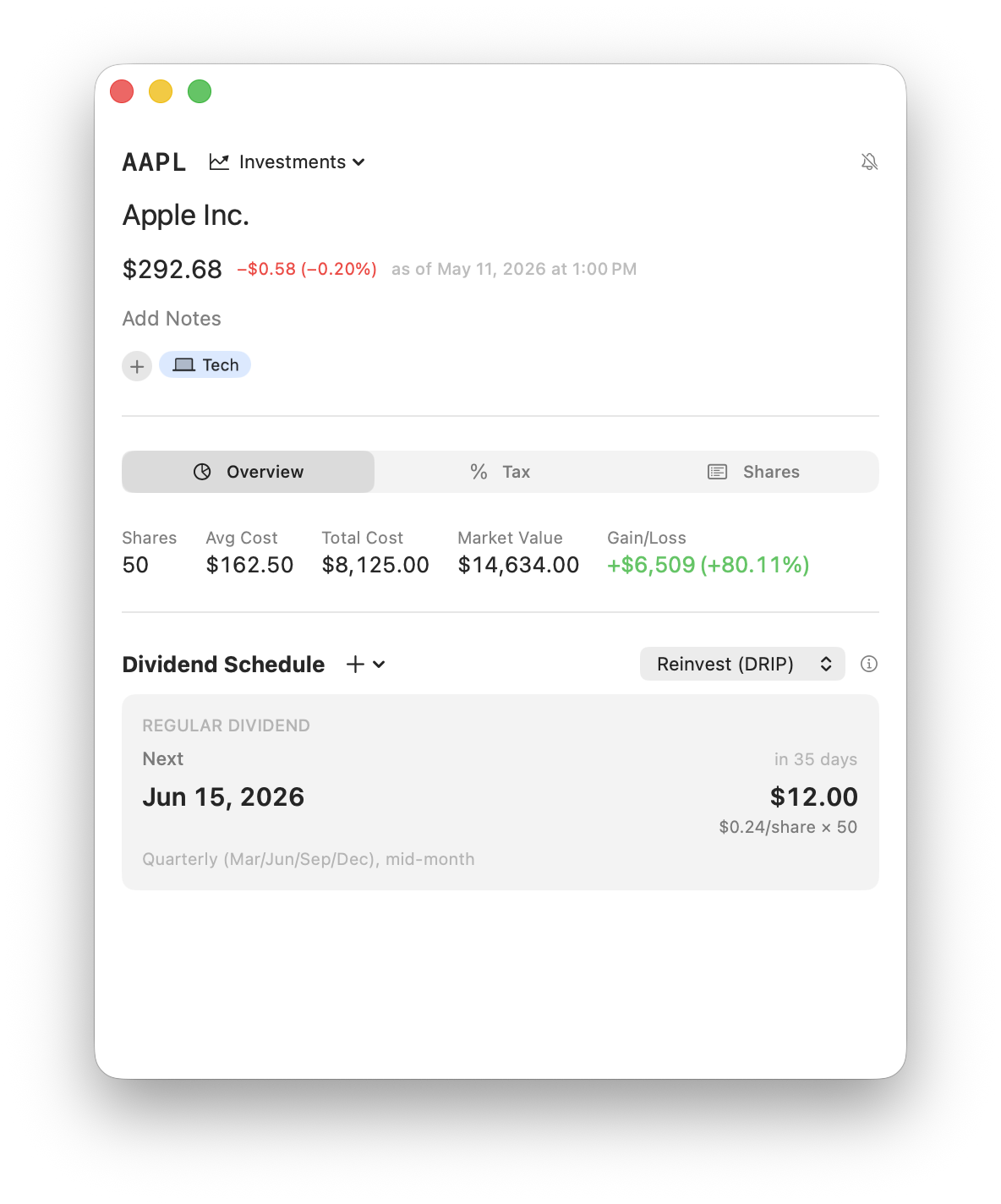
Stocks, ETFs, mutual funds, and crypto — with contributions flowing in, and dividends and withdrawals flowing back out.

  • Dividends count toward your cashflow — or reinvest automatically (DRIP)
  • Dividend rate changes — approve or dismiss in one click
  • Live market quotes from Yahoo Finance
  • Cost basis tracking with individual tax lots
  • Tax-aware accounts — taxable, traditional IRA, Roth, HSA, each treated correctly for contributions in and withdrawals out
  • US tax estimates factoring in filing status, federal and state rates, capital-gains brackets, FICA, surtaxes, and common deductions

Tax estimation is US-specific; the rest of the app works globally.

Investment detail view for AAPL — live quote, cost basis, DRIP setting, and dividend schedule
Pricing

One price. Pay once.

No subscription.

$24.99
One-time purchase · Mac App Store
  • All features included
  • No subscription
  • Includes updates
  • Works offline · your data stays yours
  • Apple's refund policy applies
Download on the Mac App Store Free trial — up to 75 items